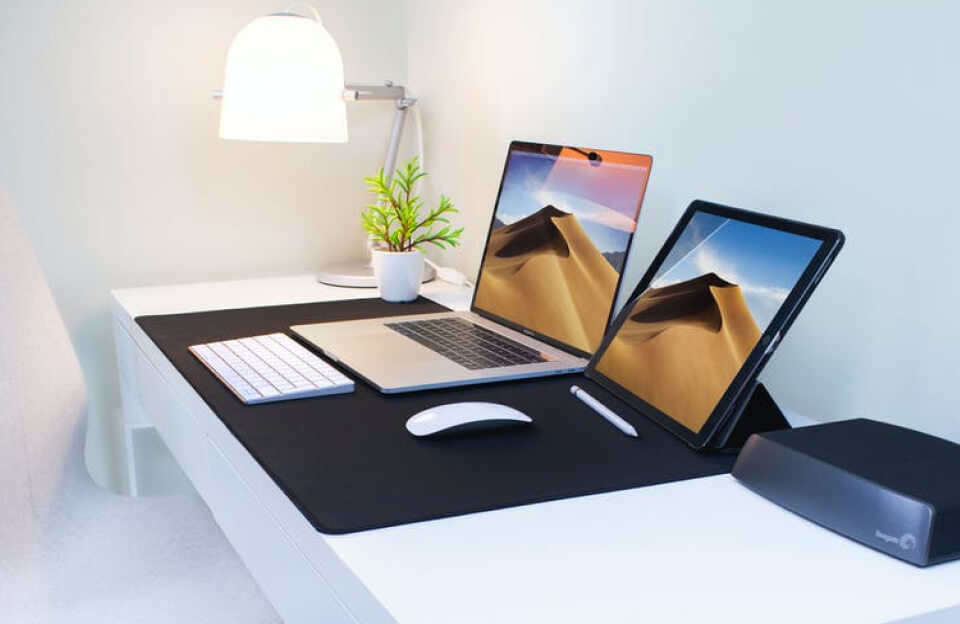
A laptop for graphic design needs to feel fast while you work and it needs a screen you can trust. If either one fails, you will notice it every day when you zoom, move layers, open big files, or export.
Before you look at brands, be clear about your workload. If you mostly design logos, flyers, social media content, UI screens, and you do light photo edits, you can buy a strong creator laptop and be happy. If you do heavy Photoshop compositing, motion graphics, video editing, or 3D work, you need extra headroom because these tasks punish weak RAM, weak graphics, and weak cooling.
The specs that decide your experience
Start with RAM because it controls how smooth your day feels. For most designers, 16GB is the minimum that makes sense. If you keep many files open, work with large Photoshop documents, do lots of artboards in Illustrator, or run Photoshop, Illustrator, Figma, Chrome, and music together, 32GB becomes the sweet spot. If After Effects or 3D is part of your weekly routine, 64GB starts to make sense.
Next is the CPU. The CPU affects how fast you open files, how responsive your tools feel, and how quickly exports finish. A strong modern CPU gives you that “everything is snappy” feeling, even when your files get heavier.
Then think about the GPU. For brand design, UI work, and general Adobe work, you can still get great results without chasing the biggest graphics card. Motion design, video work, and 3D are different. If you do those often, you want a laptop that comes with dedicated NVIDIA RTX graphics because it helps previews, effects, and many new AI features inside creative apps.
Your display matters more than many people admit. You are making visual decisions all day, so you want a sharp screen with good color coverage and solid brightness. Many listings mention OLED, P3, sRGB, or other color specs. Those details are worth checking before you buy.
Storage is the next silent problem. Design files grow fast. 512GB is the minimum I would pick. If you store client work on your laptop, keep lots of assets, or do video, 1TB saves you stress.
Finally, check ports and cooling. Designers often plug in an external monitor, an SSD, and sometimes a tablet or SD card. If the laptop needs dongles for everything, it slows you down. Cooling matters because thin laptops can look premium and still slow down under long exports.
Check Them OUT!
MacBook Pro (M series chip)
https://amzn.to/4paH1Bk
Dell XPS (example: XPS 15 with RTX graphics)
https://amzn.to/4pPWOqi
HP Spectre x360
https://amzn.to/4pS7gO4
HP ZBook (example: ZBook Firefly G11)
https://amzn.to/49qgJGA
ASUS Vivobook Pro (example: Vivobook Pro 16X OLED)
https://amzn.to/4b4avNUCheck Them OUT!
Which of these laptops fits you
MacBook Pro with an M series chip
MacBook Pro is usually the safest choice when you want a smooth creative workflow, strong battery life, and steady performance. It works well for Photoshop, Illustrator, Lightroom, and UI work, and it stays reliable in long sessions. A current Amazon listing shows a MacBook Pro with an Apple M5 chip configuration (16GB unified memory and 512GB SSD in the listing), which fits many designers as a baseline.
If you want this to last longer, move up the memory and storage. You will feel the difference more than chasing small CPU upgrades.
Dell XPS
Dell XPS is a strong Windows pick when you want a premium build and a clean, professional look. The most important part is choosing the right configuration. For design work that includes heavier exports or motion, look for a configuration with 32GB RAM and an NVIDIA GPU. An Amazon listing for an XPS 15 9520 shows a configuration with 32GB RAM, 1TB SSD, and RTX 3050, which is closer to what many serious designers should aim for on Windows.
HP Spectre x360
HP Spectre is for designers who want flexibility, especially touch and 2-in-1 use. It makes sense for UI work, presentations, client meetings, and lighter creative work where portability and form factor matter. A Spectre x360 listing on Amazon shows a 16-inch model with a 3K+ touchscreen, Intel i7-12700H, 16GB RAM, and 512GB SSD, which is fine for general design work.
If your work is heavy motion design or 3D, this is not the first option I would pick because it is built more for mobility than sustained heavy load.
HP ZBook
HP ZBook is the workstation path. This is the kind of laptop you pick when you want stability under pressure, long exports, and heavier professional workloads. A ZBook Firefly G11 listing on Amazon shows workstation branding and high-spec configurations, which points to the kind of category ZBooks sit in.
If you do motion, video, or 3D often, ZBook is the “buy once and stop fighting your laptop” option, as long as you choose a strong CPU and the right graphics configuration.
ASUS Vivobook Pro
ASUS Vivobook Pro is often the value choice for creators because many models pair an OLED screen with dedicated graphics. The key is picking a configuration that fits your workload. A Vivobook Pro 16X OLED listing on Amazon shows a configuration with an Intel Core i9-class CPU and an RTX 4070 GPU, which is the kind of performance level that suits motion and 3D work.
If you find a model with 16GB RAM, plan for a 32GB target if your projects are heavy, since RAM becomes the bottleneck quickly for Adobe power users.
A simple way to choose, without guessing
If your work is mostly design and UI, and you want the least friction day to day, MacBook Pro is the clean pick.
If you want Windows in a premium body and you also want the option of RTX graphics, Dell XPS is the most “Mac-like” Windows option from your list.
If you want a flexible 2-in-1 for sketching, notes, and light to medium design work, HP Spectre fits that lifestyle.
If your work includes heavy exports, long renders, or you just want a workstation category laptop, HP ZBook is built for that.
If you want strong creator specs for the money, especially OLED plus RTX options, ASUS Vivobook Pro can be the best deal when you pick the right configuration.
Check Them OUT!
MacBook Pro (M series chip)
https://amzn.to/4paH1Bk
Dell XPS (example: XPS 15 with RTX graphics)
https://amzn.to/4pPWOqi
HP Spectre x360
https://amzn.to/4pS7gO4
HP ZBook (example: ZBook Firefly G11)
https://amzn.to/49qgJGA
ASUS Vivobook Pro (example: Vivobook Pro 16X OLED)
https://amzn.to/4b4avNU