
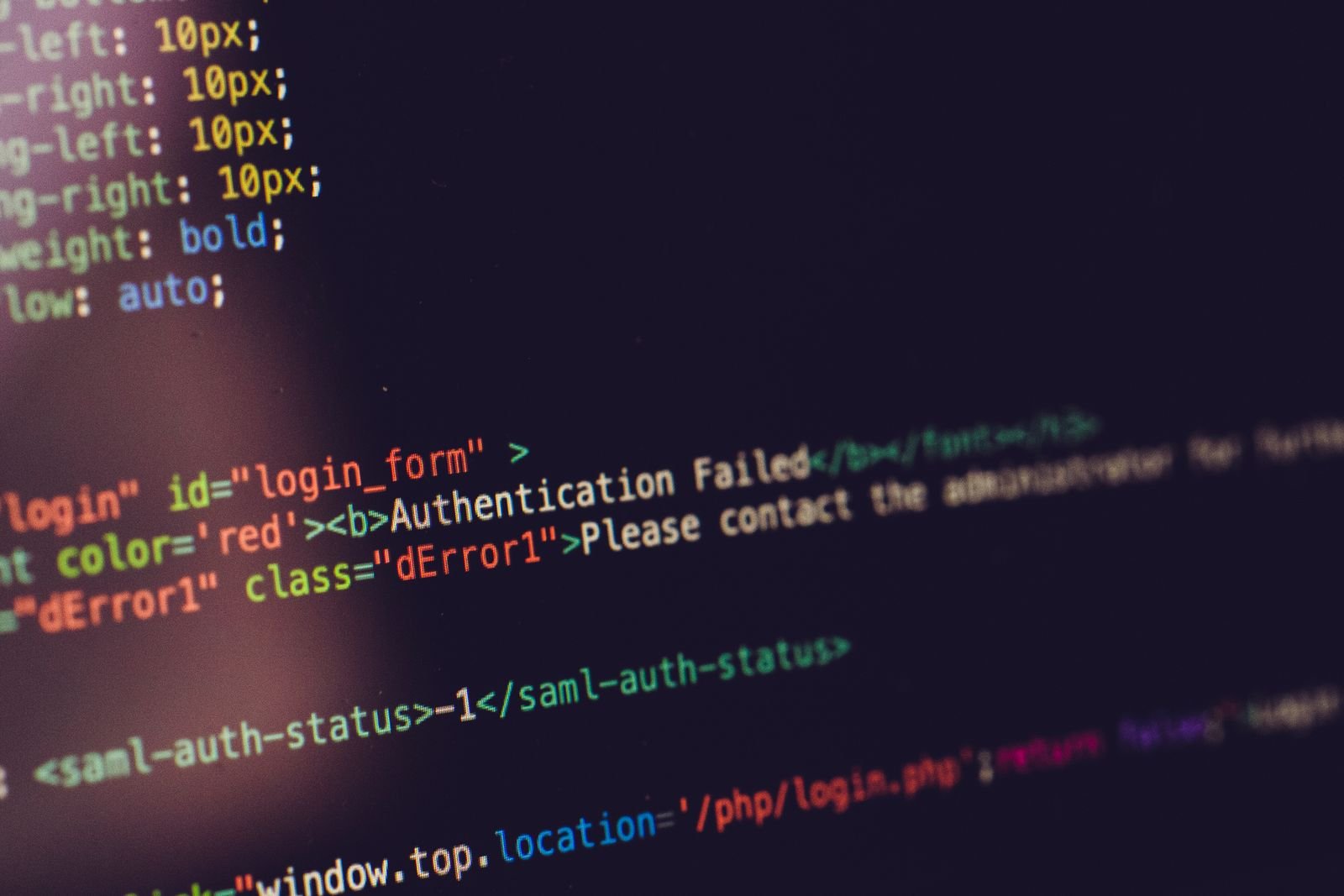
A business owner tells me their website is "fine, it's been up for years, nobody touches it." That sentence is usually the problem, not the reassurance it sounds like. A website does not fail the way a broken sign fails, all at once and obvious from the street. It fails one small piece at a time, and every piece that fails is invisible from the homepage.
Here is the order things actually go wrong, from what I see when I open up a site that has been left alone for a year or two.
The certificate goes first, and it goes quietly
Every website with https:// in front of it is running on a TLS certificate, and that certificate expires. Most hosts renew it automatically now, so this used to be rare. It still happens when a domain moves registrars, when a hosting account lapses into a grace period, or when an old manual certificate was never switched over to auto-renewal.
When it expires, visitors do not see your homepage. They see a full-page warning from their own browser telling them the connection is not private, with a button they have to click through to proceed. Almost nobody clicks through. They leave, and they do not tell you why, because from where they are sitting, your website is broken and possibly dangerous.
This is the failure that costs the most per minute it goes unnoticed, and it is usually the easiest one to have prevented. A calendar reminder three weeks before expiry, or a host that actually auto-renews, is the entire fix.

Plugins and themes rot even when nobody touches them
If the site runs on WordPress, or anything else built from plugins, every one of those plugins is code someone else maintains, or stops maintaining. A plugin that was fine the day it was installed can become the weakest point in the site without a single change on your end, because the vulnerability was found later, by someone else, after you stopped updating.
The pattern I see most often: the site was built, launched, and then nobody logged back in for eighteen months. In that time, three or four plugins shipped security patches for real vulnerabilities, the site never received them, and it is now running versions with known, publicly documented holes. Nobody broke in for a while, not because the door was locked, but because nobody tried it. That is not the same as being safe.
The fix here is not complicated, it is just recurring. Updates need checking on a schedule, not "whenever someone remembers," because the whole point of a patch is that it closes a hole that is already public knowledge.
Backups exist until the day you need one and find out they do not
Almost every hosting plan advertises backups. Fewer of them actually keep a backup you can restore from without a support ticket, a wait, and sometimes a fee you did not know applied.
The question worth asking is not "do we have backups." It is "when did anyone last confirm one restores." A backup that has never been tested is a belief, not a safeguard. I have seen sites with backups running for over a year that turned out to be silently failing, saving empty files, because a plugin conflict broke the backup job itself and nothing alerted anyone.
If a site is hacked, defaced, or the host has an outage that corrupts a file, the backup is the entire difference between an afternoon of work and starting over. It is worth ten minutes, once, to actually download a backup and confirm it opens.
Forms stop delivering and nobody notices for months
A contact form is a small piece of code that depends on the site's mail sending working correctly. When a host changes its mail configuration, when a plugin update breaks the mail function, or when the site's outgoing mail starts getting rejected because of the same missing SPF and DKIM records this site talks about elsewhere, the form keeps accepting submissions and showing a friendly "thank you" message. It just never sends the email behind it.
Visitors have no way to know this failed. They filled in the form, saw the confirmation, and assumed you would follow up. You never got it. This is one of the quietest failures on this whole list, because everything the visitor experiences looks completely normal.
The only real defence is to actually test your own form occasionally, from an account you do not normally check, the way a stranger would use it.

Speed erodes a little at a time
Nothing dramatic happens here, which is exactly why it is easy to ignore. Every plugin added over the years, every uncompressed image uploaded straight from a phone, every tracking script somebody asked to add, adds a small amount of load time. None of it feels like a decision at the time. Two years later, a site that loaded in under two seconds is loading in six, and nobody made a single choice that looks, on its own, like the cause.
Visitors do not file a complaint about a slow site. They just leave before it finishes loading, and you never see them in your numbers as a lost customer, only as a visit that did not become one.
Why all of this stays invisible to the owner
Every failure above shares one thing in common: the owner is the person least likely to notice it. You are not the one hitting an expired certificate warning, because your browser already trusts your own login sessions and cached the page before it expired. You are not the one submitting your own contact form as a stranger would. You are not staring at page load times the way a new visitor, on a worse connection, experiences them.
The site looks fine from the inside for a long time after it has stopped working properly from the outside. That gap is the entire reason "it's been fine for years" is not evidence of anything. It is just a description of what the owner has not been in a position to see.
What to actually check, and how often
None of this needs to be expensive or constant. It needs to be scheduled, because "whenever I think of it" is how every example above happened in the first place.
Monthly: confirm the certificate is valid and auto-renewing, confirm plugins and core software are updated, submit your own contact form and check it arrives.
Quarterly: download a backup and open it, to confirm it is not silently empty. Check page load time from a phone on mobile data, not from your office wifi.
If nobody at your business owns this list, it is not getting done, regardless of what a hosting plan or an old contract says is included. Start by checking one thing today: submit your own contact form right now and see whether the email actually arrives.