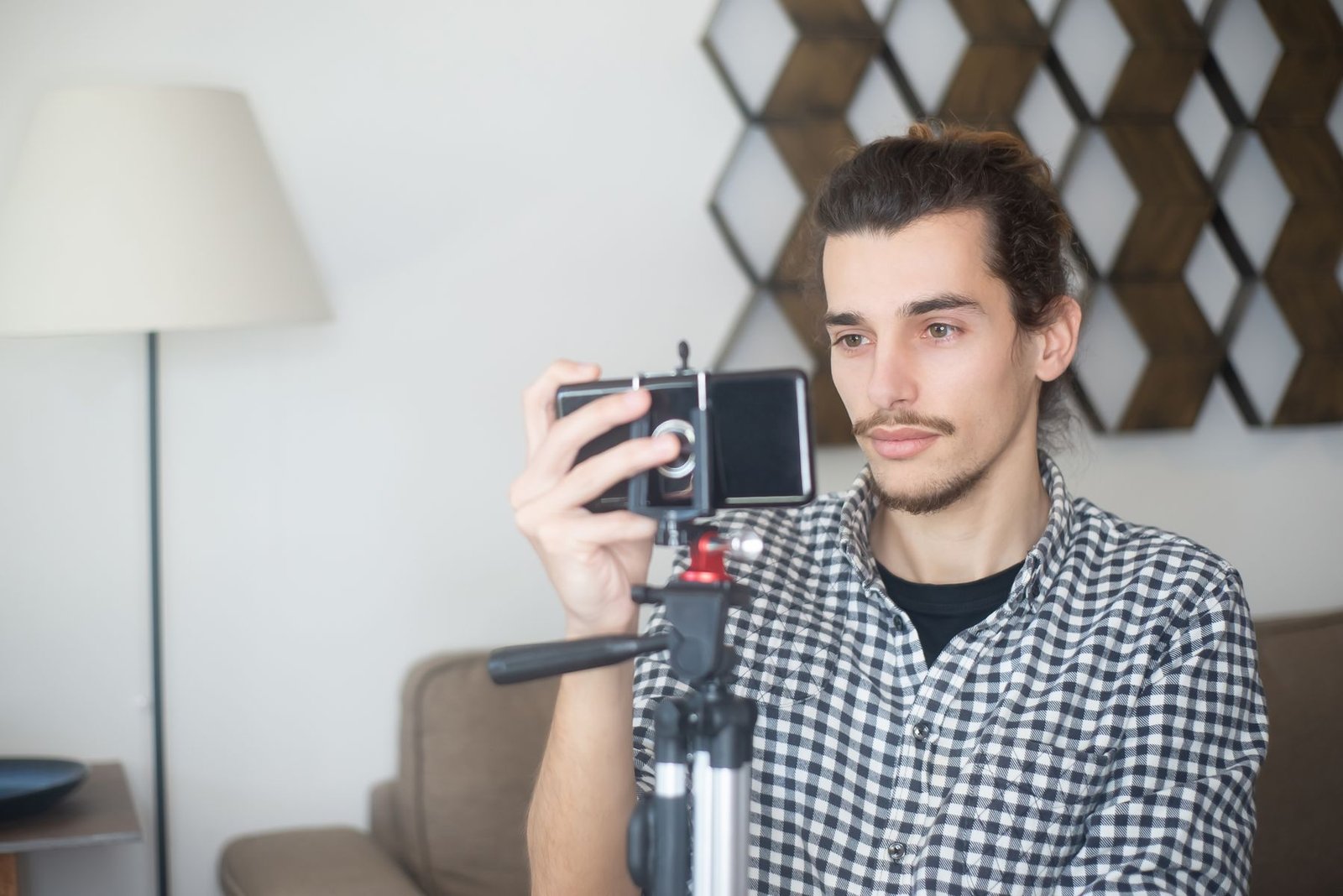
Three months ago a beauty brand asked me for four UGC ad concepts in five days, and my first instinct was to open Kling and see if I could skip the shoot entirely. I’ve been producing UGC video ads for tech and consumer brands for a while now, and every few weeks someone in a Slack channel or a Twitter thread claims AI video generation is about to make actors, camera gear, and editors optional. So I actually tested it, on a real paid brief, not a demo prompt. Here’s what happened and what I’d tell any brand or creator asking whether these tools are ready.
What I actually tested
I ran the same product, a skincare serum, through four tools over two weeks: Runway Gen-4, Kling 2.1, Luma Ray3, and Google’s Veo 3 through Flow. I wasn’t looking for a viral demo clip. I needed something a brand could plausibly run as a paid ad: a hand holding the product, a face reacting to it, a believable bathroom or bedroom setting, and dialogue that syncs to lip movement. That last part is where almost everything falls apart.
Veo 3 was the only one of the four that produced usable dialogue with synced audio in the same generation. The other three needed a separate voiceover pass and manual lip-sync correction, which defeats half the point of using AI to move fast. Kling 2.1 gave me the best skin texture and the most convincing hand-product interaction, which matters a lot for beauty and skincare UGC where close-up product handling sells the ad. Runway Gen-4 was the most controllable for camera movement, useful if you’re storyboarding a specific shot list, but its faces still drift subtly wrong past the four-second mark.
The actual cost math nobody quotes you
Here’s the number that surprised me. A single usable 8-second Veo 3 clip, after the throwaway generations, cost me roughly $12 to $18 in credits once you count the failed attempts that didn’t make the cut. To get four clips I could stitch into one 30-second ad, I burned through about $90 in generation credits and still spent four hours picking through outputs. Compare that to what I’d pay a real UGC creator for a full 30-second video: $150 to $300 depending on usage rights, delivered in 48 to 72 hours, no generation lottery.
So the AI route wasn’t actually cheaper once you price in my time sorting through bad takes. It was faster in wall-clock terms if I needed something same-day, and it was genuinely useful for one specific job: pre-visualizing a concept for a client before committing to a real shoot. I now pitch clients with a Kling-generated rough cut of the ad concept before we book a creator, and it’s cut my concept-approval time roughly in half because clients can see the beat structure instead of reading a script.
Where AI video actually wins right now
- B-roll and product shots with no face and no dialogue. Product spinning on a surface, ingredient close-ups, packaging reveals. This is where Kling and Runway are already good enough to ship.
- Storyboarding and client pitches. A rough AI cut sells the concept faster than a written script or a mood board.
- Background plates and setting extensions. If a creator shot great footage but the background is boring, tools like Runway’s video-to-video can restyle the environment without reshooting.
- Short, dialogue-free hook shots. The first 1-2 seconds of a UGC ad, before a face needs to talk convincingly.
Where it still fails a real client review
Faces holding a full sentence of dialogue past six or seven seconds still show artifacts under close inspection, and clients notice on a second viewing even when they can’t name what’s wrong. Hands remain the weak point across every tool I tried, and UGC ads live and die on believable hand-product interaction, someone twisting a cap, squeezing a tube, tapping a phone screen. I also ran into a consistency problem: none of these tools reliably keep the same “person” across multiple clips, which matters if a brand wants a recurring UGC persona across a campaign instead of a one-off clip.
There’s also a trust cost that doesn’t show up in any benchmark. On the Google project I’m working on right now, the brand’s compliance terms explicitly require disclosed, real usage, no synthetic actors passed off as genuine users. That’s not a one-off clause. I expect more brands to write similar language into contracts over the next year as FTC guidance on AI-generated endorsements tightens, and once a client asks “is this a real person,” an AI-generated face becomes a liability, not a shortcut.
My actual workflow now
I use AI video for pre-production, not final delivery. Concept a script, generate a rough cut in Kling or Veo to show the client the pacing and shot list, get sign-off, then shoot the real thing with an actual creator or do it myself on camera. For pure B-roll inserts, ingredient shots, or a background plate I couldn’t get on location, I’ll use generated footage in the final cut, disclosed to the client, never passed off as UGC. That’s the line I hold, and it’s the line I’d tell any UGC creator or agency to hold too, because the moment a client finds out a “real customer” clip was synthetic, the relationship is over.
What I’d tell a brand asking about this today
If you’re a small business wondering whether you can skip hiring UGC creators and generate ads instead, the honest answer is not yet, not for anything that needs a talking face longer than a few seconds or a hand doing something specific with your product. Budget for AI video as a pre-production and B-roll tool that speeds up your creative process, not as a replacement for the creator budget line. The tools are improving fast, Veo 3’s audio sync was a real jump from where Veo 2 was six months ago, so I’d revisit this every quarter rather than writing it off permanently.
The takeaways
- Veo 3 is currently the only tool of the four I tested that handles synced dialogue well; Kling 2.1 wins on hand and product realism; Runway Gen-4 wins on camera control.
- Full AI-generated UGC ads aren’t cheaper than hiring a real creator once you count your own time sorting bad generations.
- The strongest current use case is pre-production: rough cuts for client sign-off, not final deliverables.
- Hands and multi-clip persona consistency are still the clearest tells, and clients notice.
- Disclosure matters more than the tech. Brand compliance and FTC-style guidance are already pushing against undisclosed synthetic UGC.
Related reading
- The Honest Guide to AI for Small Business Owners
- 5 AI Tools That Save B2B Marketers 10 Hours a Week
- Kimi K3: Why the World’s Biggest Open Source AI Model Should Change How You Buy AI
Frequently asked questions
Can AI video generators fully replace UGC creators in 2026?
Not yet, especially for ads that need a face speaking dialogue or hands interacting convincingly with a product. They’re strong for B-roll, product shots, and pre-production concepts, but final talking-head UGC still performs better and reads as more trustworthy when it’s shot by a real person.
Which AI video tool is best for UGC-style ads right now?
It depends on the shot. Veo 3 currently leads on synced dialogue and audio, Kling 2.1 leads on realistic hands and product handling, and Runway Gen-4 leads on controllable camera movement for storyboarding. I use a mix depending on what the clip needs to do.
Is it safe to use AI-generated video in paid ad campaigns without disclosure?
I’d avoid it. Several brand contracts, including one I’m working under now, explicitly require disclosed real usage rather than synthetic actors, and regulatory guidance on AI-generated endorsements is tightening. Treat disclosure as a requirement, not an option.
Follow Osato Tech and AI for more hands-on tests like this one.
Written by Osato Umweni, a designer and tech creator based in Lagos. More about me.